ETJ Application Installation Instructions
1. Open the Safari browser on your iPhone (or the Chrome browser on your Android device) and navigate to https://app.enjoyingthejourney.org.
This will open the new ETJ app.
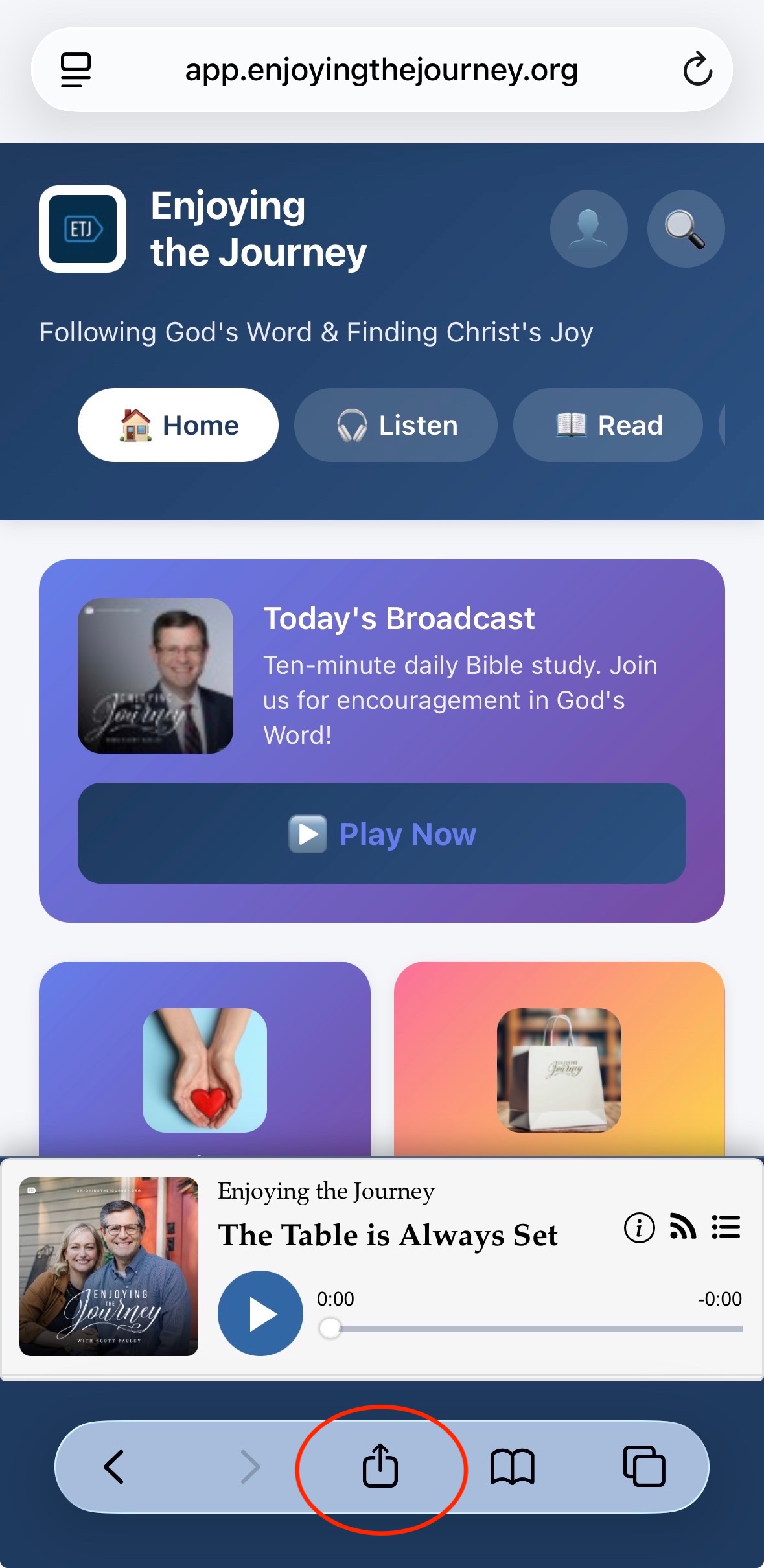
2. For iPhone, tap the Share icon on the bottom of the app (it is usually in the middle of the icon list and looks like a square with an arrow coming out of the top).
For Android devices, tap the three-dot menu (⋮) in the top right (address bar area).
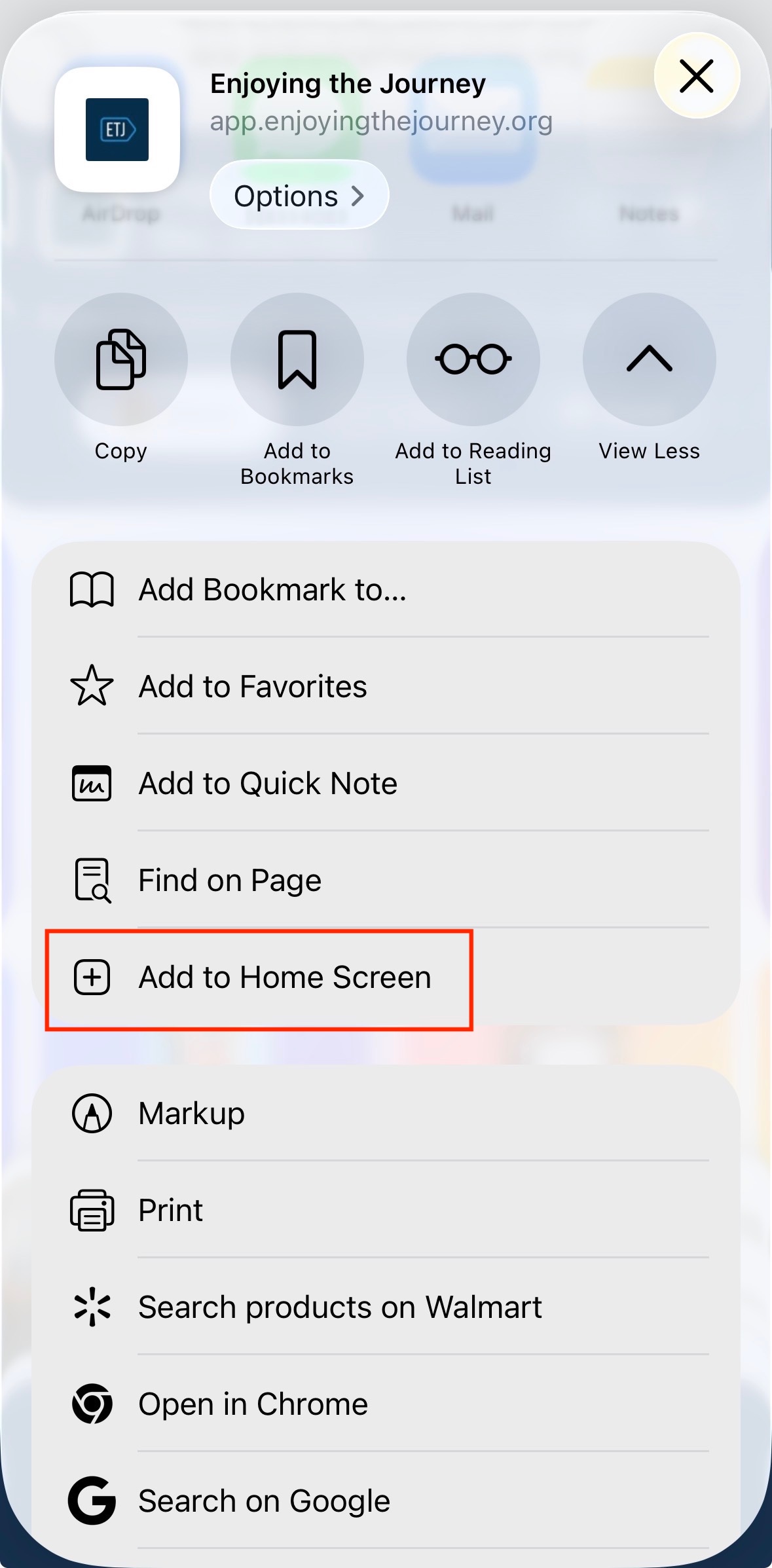
3. Select "Add to Home Screen"
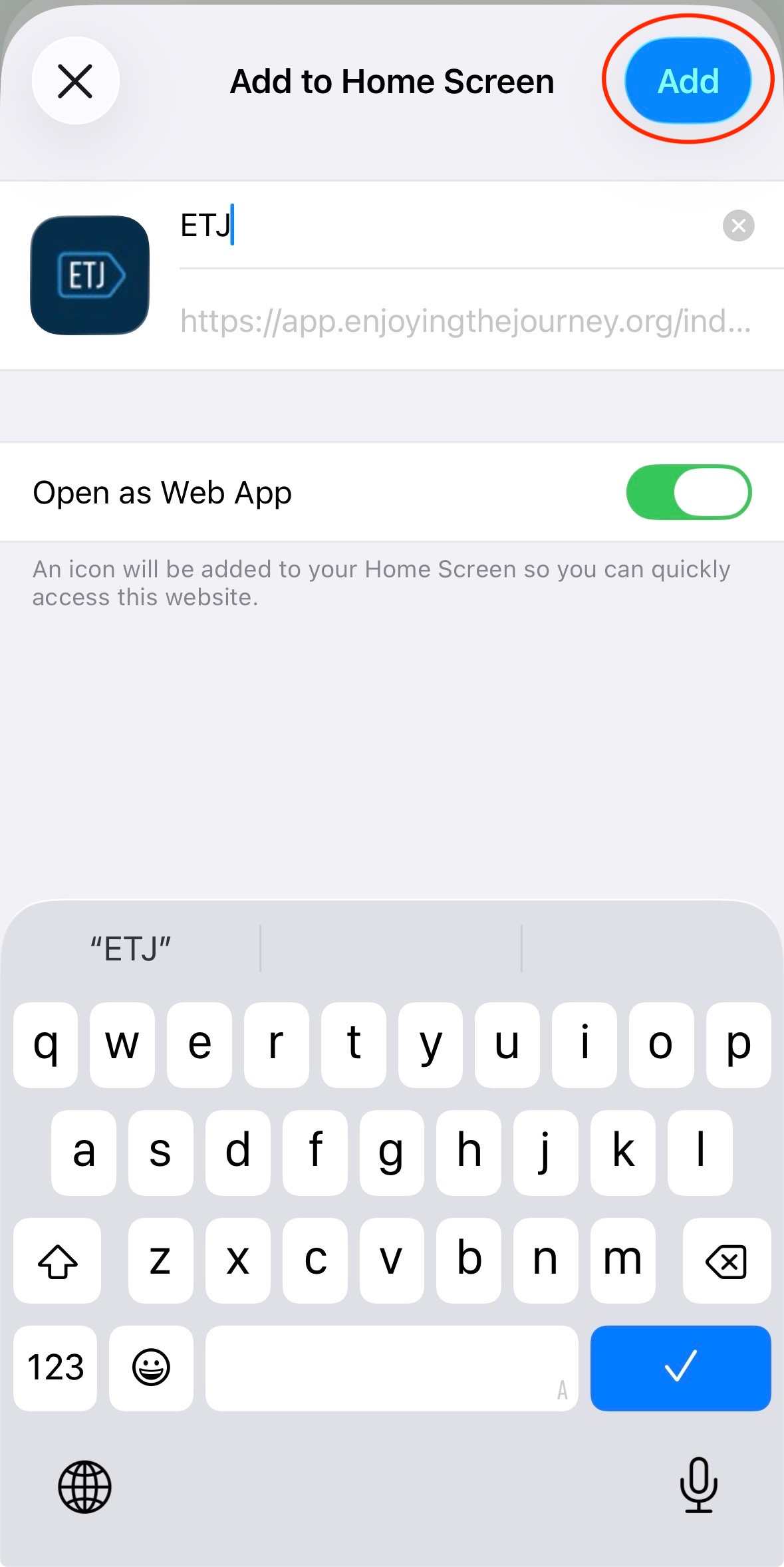
4. Select the "Add" button
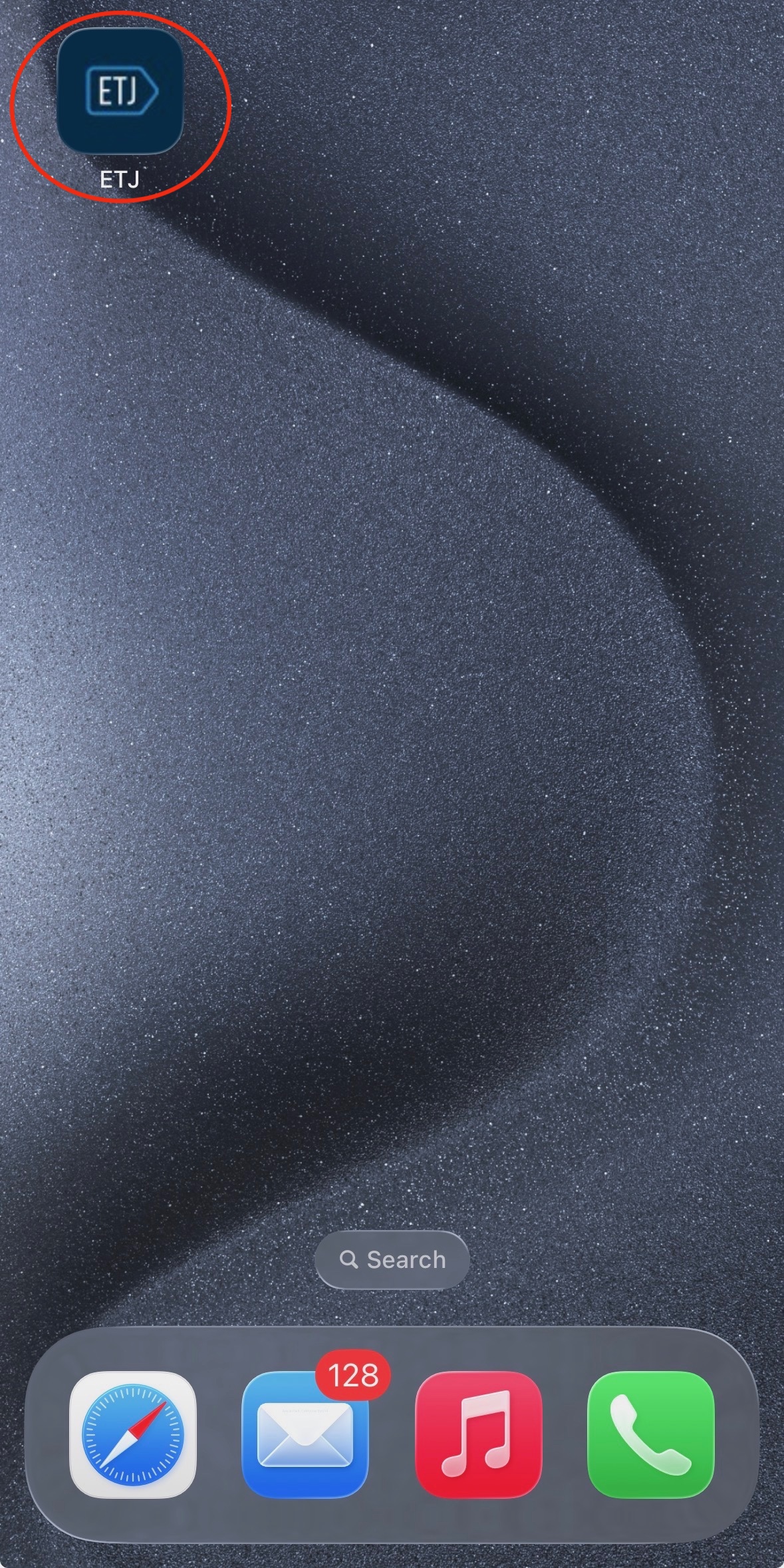
5. Select the newly installed ETJ App on your mobile device
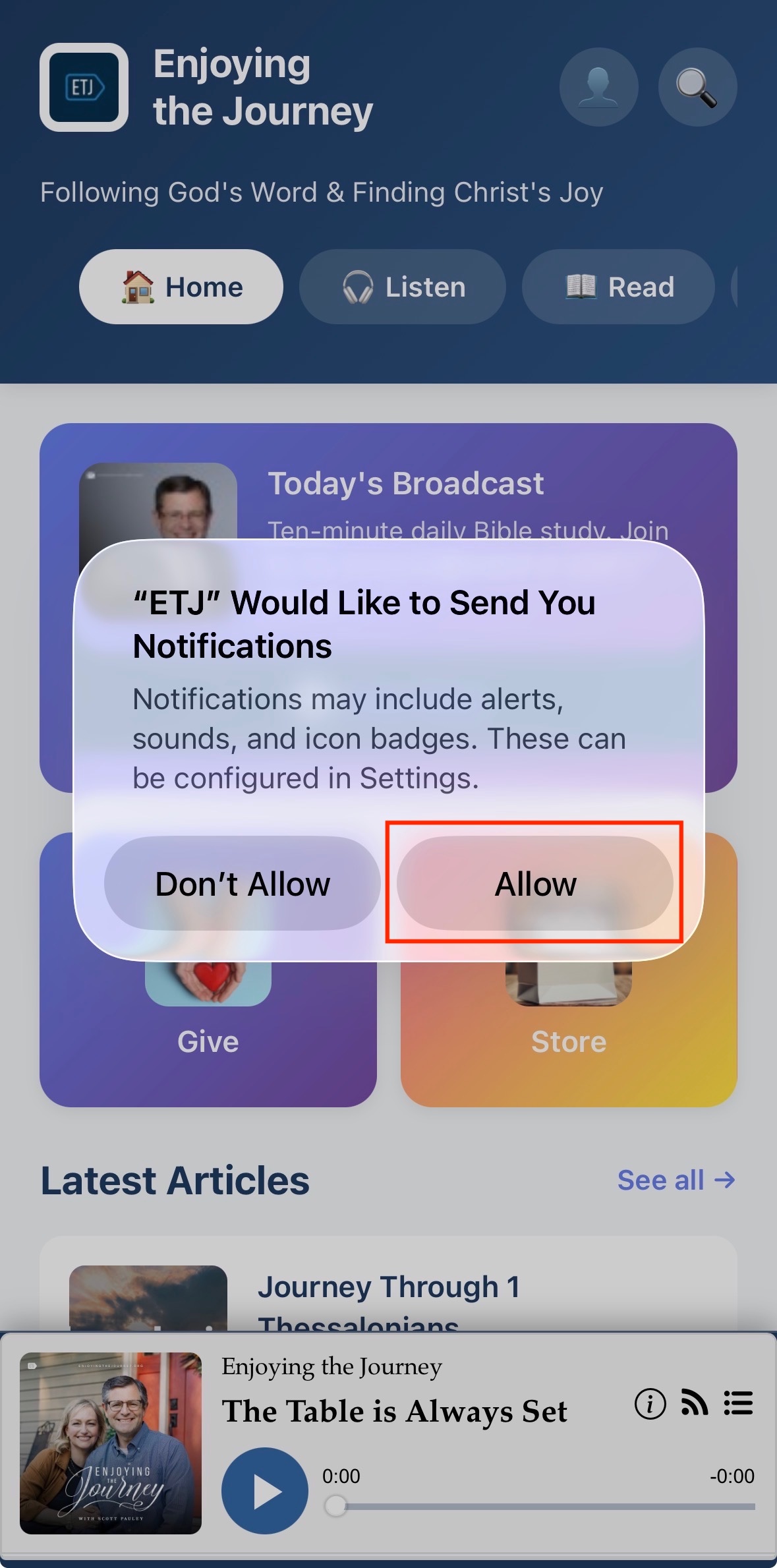
6. After three seconds, you will see a message asking if you want to subscribe for notifications from ETJ. If so, select the "Subscribe" button.

7. Select the "Allow" button. You will now receive periodic notifications!